Admission
What Type of Student Are You?

Freshman
The freshman experience at SXU is full of opportunities for intellectual, personal
and social growth.
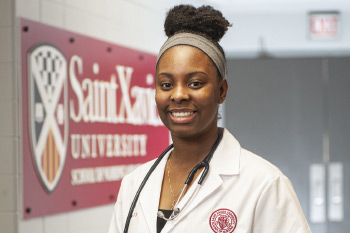
Graduate
Saint Xavier University is for students who want more out of their future, and at SXU, a rigorous and interactive graduate curriculum will help you advance in your career.
Learn more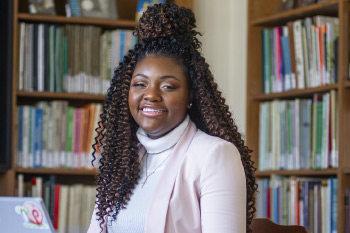
Transfer
As a transfer student, you'll have access to a transfer admission counselor to help you navigate transfer scholarships, credit evaluations, semester schedules and more.
Learn more
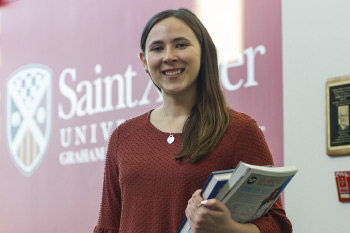
International
As an international student at SXU, you'll receive the opportunity to broaden your educational, social and cultural experiences.
Learn More
Veterans
As a Best College for Veterans and Military Friendly® institution, Saint Xavier offers many resources for its veteran students.
Learn more
Visiting
SXU welcomes all visiting students and prepares them to get ahead in their studies
and career development.
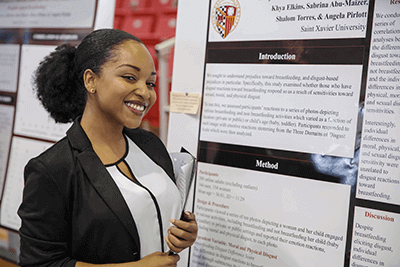

Trinity Student
SXU welcomes Trinity Christian College students looking to finish their degree.

Athlete
As a student-athlete at SXU, you will have the opportunity to enhance your work ethic, discipline, and resilience.
Learn more
Academic Programs
Saint Xavier University is pleased to offer a wide variety of high quality academic programs to a diverse and talented student body. Saint Xavier University strives to provide its learning community with a solid foundation in liberal arts and professional education, establishing well-rounded members of society.
Explore Majors and ProgramsAthletic Programs
Saint Xavier University is pleased to offer a wide variety of high quality athletic programs to a diverse and talented student body. Saint Xavier University strives to provide its athletic community with a solid foundation in discipline and teamwork, establishing well-rounded members of society.
Explore Teams and ProgramsWhy SXU?

High-Quality Programs
School of Nursing
NURSING PROGRAMS NATIONWIDE
U.S. News & World Report (2026)
LEARN MORE
Affordability
Most Affordable Catholic University in Illinois
CollegeNavigator.gov
LEARN MORE

TRANSFORMATIVE EDUCATION
U.S. News & World Report (2027)
LEARN MORE
EDUCATIONAL ADVANCEMENT
among regional universities in the Midwest
U.S. News & World Report (2027)
LEARN MORE
Excellence In Athletics
2025
LEARN MOREQuick Facts
-
24Average Class Size
-
3,520Students Enrolled*
*Fall 2022
-
16:1Student-Faculty Ratio
-
100%Undergraduates received an academic scholarship**
**2022-2023
Meet the Staff

Layla Barakat
Assoc. Dir. of Transfer Admiss
Phone: 773-298-3021
Email: barakat@sxu.edu
Debra Buczkiewicz
Dir. Enroll. Operations & CRM
Phone: 773-298-3196
Email: buczkiewicz@sxu.edu

Elizabeth Chavez
Transfer Admission Counselor
Phone: 773-298-3060
Email: echavez@sxu.edu
Brian Condon
Assoc Dir Grad Recruitment
Phone: 773-298-3058
Email: condon@sxu.edu
Aaron Jordan
Asst Dir Student Athlete Adms
Phone: 773-298-3067
Email: ajordan@sxu.edu

Jennifer Juarez Casarez
Freshman Admission Counselor
Phone: 773-298-3077
Email: juarezcasarez@sxu.edu

Quinn Lee-O'Halloran
Transfer Admission Counselor
Phone: 773-298-3066
Email: leeohalloran@sxu.edu
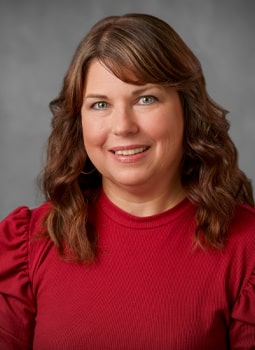
Susan Panice
Asst Dir-Grad Recruitment
Phone: 773-298-3055
Email: panice@sxu.edu

Mia Salinas
Freshman Admission Counselor
Phone: 773-298-3068
Email: salinas@sxu.edu

Sarah Sanders
Senior Freshman Admission Coun
Phone: 773-298-3018
Email: ssanders@sxu.edu

Michelle Sasala
Coordinator
Phone: 773-298-3053
Email: sasala@sxu.edu

Brynn Wheaton
Freshman Admission Counselor
Phone: 773-298-3093
Email: wheaton@sxu.edu
Plan a Visit
We'd love to see you on campus! A visit to SXU is a great opportunity for you to meet with an admission counselor to discuss your academic background and interests and to take a tour of the campus.
Contact the Office of Admission
- 773-298-3050
- Toll Free: 844-GOTO-SXU (844-468-6798)
- Fax: 773-298-3076
- Email: admissionFREESXU
- M-F: 8:30 a.m. to 4:30 p.m.
Colleges of Distinction
Saint Xavier University is nationally recognized as a College of Distinction for supporting and maintaining an environment of engaged students, excellent teaching and academic offerings, and successful outcomes for our students with experiential learning, leadership and service opportunities, all within a vibrant and diverse community. For more information, visit the Colleges of Distinction website.


